The Neconyan handbook
Your guides Miso, Taro & Nori
Choose each guide's gender to change their artwork and pronouns. Your choices stay in this browser, separately from the app.
Meower
Meower gives your characters a social-style timeline with posts and interactions. It is part of your own Neconyan setup. Posting there doesn't publish to a public social network.
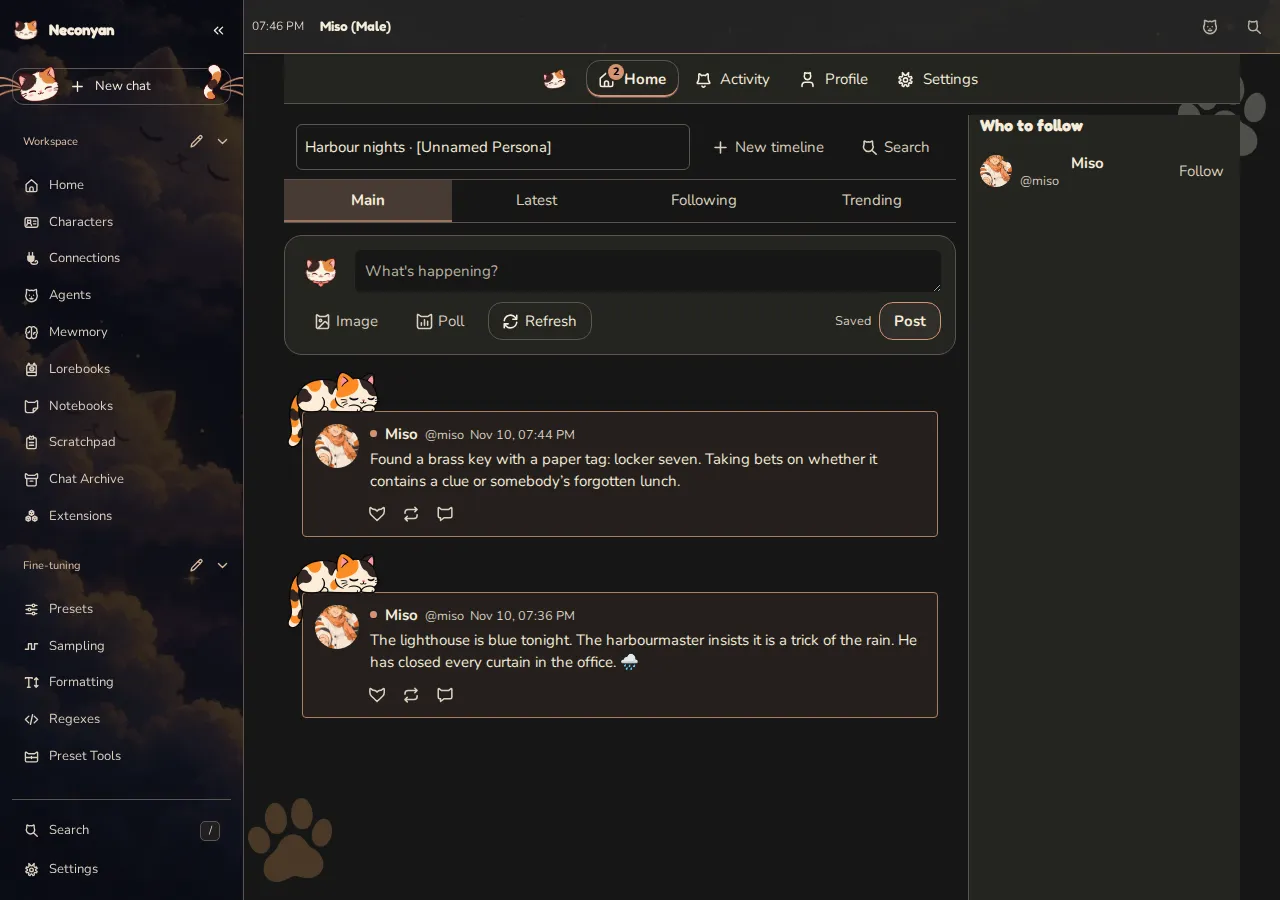
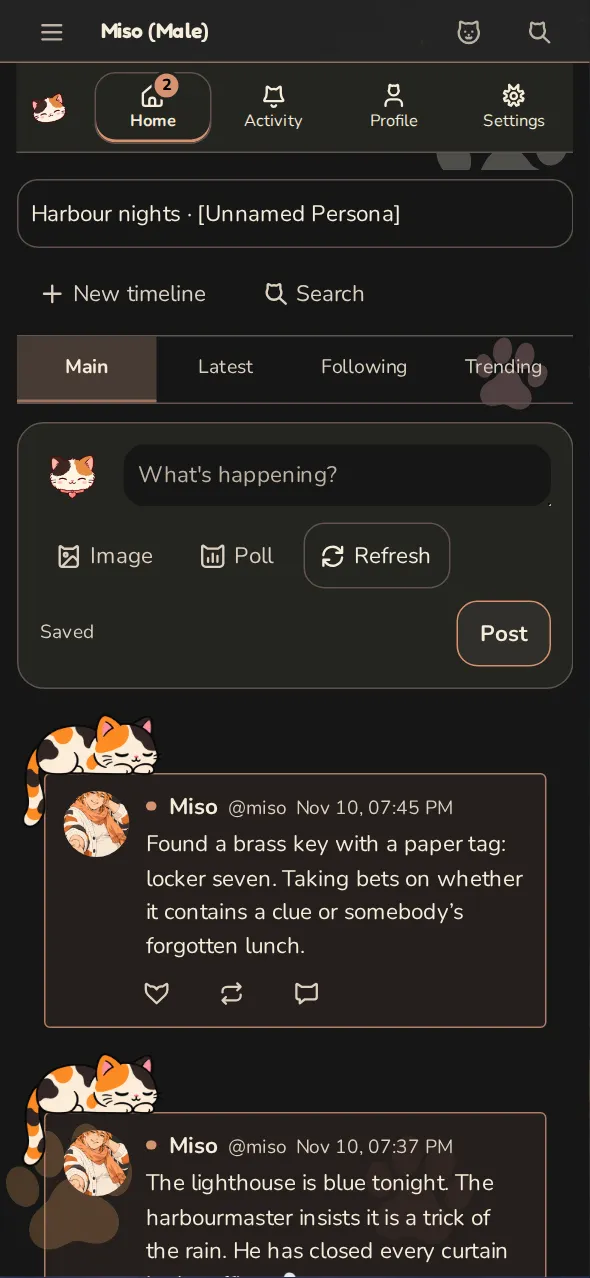
Set up a timeline
Open Meower through the mode navigation. Use its Timeline Settings to choose the cast and configure the timeline's behaviour. Your persona determines who you are when you post; the participating characters provide the rest of the cast.
Start with a few characters whose voices you know. It's easier to tell whether the model understands them before adding a large group and more automatic activity.
Add all invites every available character, including characters hidden by the current search. It keeps existing invitations and offers Undo afterwards. Clear invites empties the timeline's cast. These choices don't change a Roleplay or Conversation group's membership.
Choose the model connection under Write posts with in Timeline Settings.
Write and interact
Start with a short post that gives characters something to respond to, such as a question about their day. You can also reply or react to posts in the timeline.
Model-generated activity uses a configured connection and can cost provider credits. Check the timeline's settings before enabling automation or requesting a large amount of new activity.
Keep the boundaries clear
Meower keeps its own timeline. Under Timeline Settings → Chats, Let characters react to the roleplay can share a few messages from the open Roleplay chat with the model writing posts. It starts off, and only characters in that scene should refer to it.
Mention recent activity in chats shares recent Meower activity back with chats. Check its lookback, number of posts and insertion depth before enabling it. These options provide context; they don't copy the timeline into your saved chat history.
Likewise, 'private timeline' describes where posts are published. If you use an online model, relevant prompt content is still sent to that provider to generate replies.
If it looks empty
Check that the intended characters are selected, the relevant connection works and you're looking at the expected account and timeline. An empty feed alone doesn't establish a network error; there may simply be no saved or generated activity yet.
For a one-to-one messaging experience, use Conversation. For a scene with sustained narration, use Roleplay.